

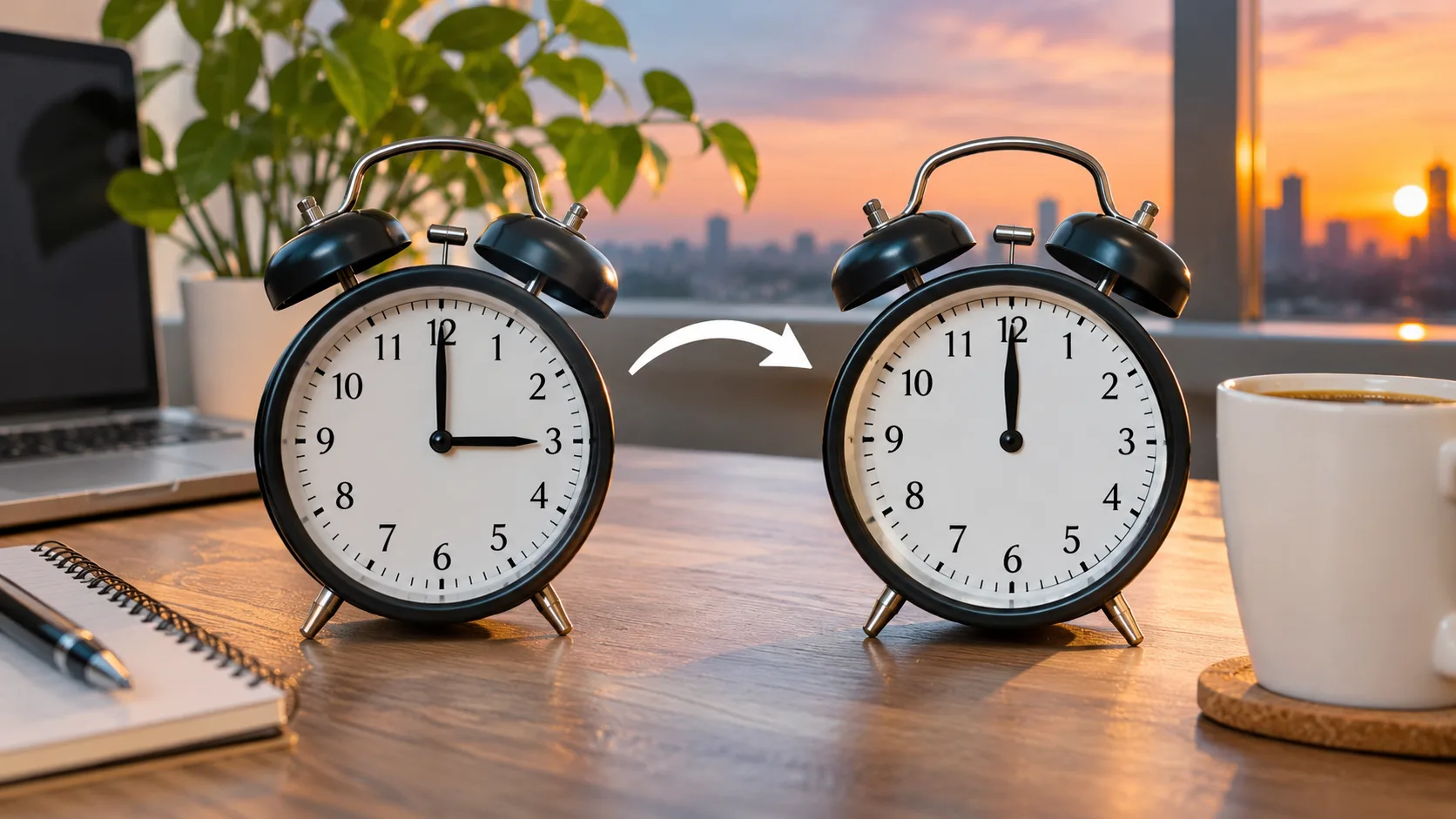
Have you ever wondered what time it will be 9 hours from now? Whether you are planning a meeting, setting a reminder, organizing your work schedule, or preparing for a journey, calculating future time can be useful. Fortunately, finding the exact time nine hours ahead is simple once you understand basic time addition and how clocks work.
To calculate 9 hours from now, add nine hours to your current local time. For example, if it is 8:00 AM right now, nine hours later will be 5:00 PM on the same day. However, if the current time is 6:00 PM, adding nine hours takes you to 3:00 AM the following day.
Time calculations become slightly more complicated when they cross midnight, involve different time zones, or include daylight saving changes. Understanding these situations helps you avoid mistakes when scheduling important activities. This guide explains how to calculate nine hours from any starting time, convert between clock formats, and use digital tools for accurate results.
What Time Will It Be 9 Hours From Now?
The answer to what time it will be nine hours from now depends entirely on your starting time. You simply add nine hours to the current hour while keeping the minutes unchanged. For example, if the present time is 10:30 AM, the time nine hours later will be 7:30 PM that evening.
When adding nine hours, remember that a standard day contains 24 hours. If your calculation passes midnight, the resulting time belongs to the following calendar day. For example, starting at 9:00 PM and adding nine hours produces 6:00 AM the next morning rather than the same day.
You can perform this calculation manually or use a digital time calculator for convenience. Smartphone clocks, calendar applications, and online time tools can help determine future times accurately. For ordinary calculations within a fixed time zone, basic addition is usually enough to find the correct answer without needing specialized software.
How to Calculate 9 Hours From Now Manually
Calculating nine hours ahead manually begins with identifying the current hour and minute. Add nine to the hour while leaving the minutes unchanged because you are adding complete hours. For instance, if your starting time is 7:15 AM, adding nine hours gives you 4:15 PM on the same day.
If the resulting hour exceeds the limits of your clock format, you must adjust the answer accordingly. In the 24-hour system, subtract 24 from any result of 24 or more and advance the calendar date. For example, 20:45 plus nine hours becomes 29:45, which converts to 05:45 the following day.
The same method works for any starting time, including times with unusual minute values. If it is currently 11:47 AM, adding nine hours produces 8:47 PM. Practicing with a few examples can help you calculate future times more confidently without repeatedly checking a calculator or searching online.
Understanding the 12-Hour and 24-Hour Clock Systems
The 12-hour clock divides each day into two periods identified as AM and PM. AM represents the period from midnight until before noon, while PM covers noon until before midnight. When adding nine hours, you must track whether the calculation moves into the opposite period or crosses into another calendar day.
The 24-hour clock uses numbers from 00:00 through 23:59 to represent times throughout a complete day. This format eliminates the need for AM and PM labels, making certain calculations easier. For example, 3:00 PM becomes 15:00, and adding nine hours produces 24:00, which represents midnight at the start of the following day.
Both clock systems provide the same information when interpreted correctly. However, the 24-hour format is particularly useful for travel schedules, international meetings, transportation systems, and professional planning. Understanding how to convert between these formats reduces confusion when calculating future times or reading digital schedules that use different conventions.
What Happens When 9 Hours From Now Crosses Midnight?
Crossing midnight is one of the most common reasons people make mistakes when calculating future times. When nine hours are added to a late afternoon or evening starting time, the result may fall on the next calendar day. For example, 7:00 PM plus nine hours equals 4:00 AM tomorrow.
The date change becomes especially important when planning appointments, transportation, or work responsibilities. If you schedule something nine hours after 11:30 PM on Friday, the resulting time is 8:30 AM on Saturday. Forgetting that the date changes could cause misunderstandings, missed appointments, or incorrectly scheduled reminders.
A reliable approach is to calculate the future hour and then check whether midnight has been passed. Whenever the calculation exceeds the remaining hours in the day, move the date forward. Digital calendar applications can handle these adjustments automatically, but understanding the process helps you verify the final result independently.
Examples of 9 Hours From Different Starting Times
Looking at different starting times is an easy way to understand how nine-hour calculations work. If the current time is 6:00 AM, nine hours later will be 3:00 PM. Similarly, a starting time of 9:30 AM becomes 6:30 PM, while 12:00 PM becomes 9:00 PM on the same day.
Evening calculations often extend into the next calendar day. For example, 4:00 PM plus nine hours equals 1:00 AM tomorrow, while 8:15 PM becomes 5:15 AM tomorrow. These examples demonstrate why recognizing the transition between daytime, evening, and early morning is important when planning future activities.
The following table provides additional examples of how to calculate nine hours from a given time. It includes morning, afternoon, evening, and overnight situations for easy comparison. Use the starting time closest to your current clock reading to understand the calculation, while remembering that the minutes remain unchanged.
| Starting Time | Time After 9 Hours | Day |
|---|---|---|
| 12:00 AM | 9:00 AM | Same day |
| 3:00 AM | 12:00 PM | Same day |
| 6:00 AM | 3:00 PM | Same day |
| 8:30 AM | 5:30 PM | Same day |
| 10:00 AM | 7:00 PM | Same day |
| 12:00 PM | 9:00 PM | Same day |
| 2:00 PM | 11:00 PM | Same day |
| 3:00 PM | 12:00 AM | Next day |
| 5:30 PM | 2:30 AM | Next day |
| 7:00 PM | 4:00 AM | Next day |
| 9:00 PM | 6:00 AM | Next day |
| 11:45 PM | 8:45 AM | Next day |
How to Calculate 9 Hours From Now Using a Calculator
A time calculator simplifies future time calculations by automatically handling hours, minutes, and date changes. Most tools allow you to enter a starting time and specify how many hours you want to add. After entering nine hours, the calculator displays the corresponding future time based on the information provided.
Some digital tools also allow you to include the starting date and time zone. This feature is useful when scheduling activities that extend past midnight or involve different countries. More advanced calculators may account for daylight saving changes, helping produce accurate results when local clock adjustments occur during the selected period.
You can also calculate future time with a regular calculator by converting the starting time into the 24-hour format. Add nine to the hour and adjust any result that reaches or exceeds 24. Although dedicated time tools are more convenient, understanding the underlying calculation helps prevent mistakes caused by incorrect settings or input values.
Does Your Time Zone Affect 9 Hours From Now?
Time zones determine the local clock time displayed in different geographical regions around the world. When you add nine hours to your current local time, the result normally follows the same time zone. However, the corresponding clock reading in another country may be different because locations use different offsets from Coordinated Universal Time.
For example, a person in Pakistan and someone in the United Kingdom may display different local times at the same instant. Adding nine hours to both starting times still advances the same amount of elapsed time. However, their resulting local clock readings will generally remain different because their time zones are not identical.
Daylight saving time introduces another consideration in regions that adjust clocks seasonally. If a local clock moves forward or backward during the nine-hour period, the displayed difference between starting and ending times may not equal nine clock hours. Using a time-zone-aware calculator helps maintain accuracy in these situations.
How to Find 9 Hours From Now on Your Phone
Smartphones provide convenient tools for calculating future times without requiring complicated mathematical knowledge. You can check the current time using the device’s clock application and manually add nine hours. Built-in calendar and reminder features can also help schedule events based on the calculated result.
Many smartphones include digital assistants that can answer simple time-related questions through spoken or typed commands. Asking for the time nine hours ahead may provide a quick answer, depending on the assistant’s available capabilities. You should still verify the date when the calculated time falls after midnight.
Another practical option is creating a reminder scheduled nine hours after the current moment. If your device supports relative reminders, it can calculate the future time automatically. This approach is especially useful when you need to remember a task rather than simply knowing the clock reading at a later point.
Why Is Calculating 9 Hours From Now Useful?
Knowing the time nine hours ahead helps with everyday scheduling and organization. People may use this calculation to plan study sessions, coordinate work responsibilities, or determine when a planned activity will finish. Accurate time planning reduces unnecessary confusion and allows different responsibilities to fit more comfortably into a daily schedule.
Travel planning is another situation where future time calculations become useful. If a journey lasts approximately nine hours, knowing the expected arrival time helps with transportation connections and accommodation arrangements. However, actual arrival times may vary because of delays, time-zone differences, and changes to transportation schedules.
Time calculations also support communication between people living in different regions. Teams working remotely may need to determine when colleagues will become available or when a scheduled deadline occurs. Using clear dates, time-zone information, and accurate calculations makes coordination easier and reduces the possibility of misunderstandings.
Common Mistakes When Adding 9 Hours to a Time
One common mistake is forgetting to change AM to PM or PM to AM when the calculation crosses noon or midnight. For example, adding nine hours to 5:00 AM produces 2:00 PM, not 2:00 AM. Paying attention to these labels is essential when using the traditional 12-hour clock system.
Another mistake is failing to recognize that the calculation has entered the following calendar day. Starting at 10:00 PM and adding nine hours results in 7:00 AM tomorrow. Recording the correct clock time without updating the date can cause problems when arranging appointments or setting calendar notifications.
Time-zone confusion can also create incorrect results, particularly when coordinating international activities. Assuming that another country follows the same local time may lead to scheduling errors. Always check the relevant location, daylight saving rules, and intended date when calculating future times for travel, remote work, or international communication.
Tips for Accurate Future Time Calculations
Using the 24-hour clock can make time calculations easier because it removes AM and PM confusion. Convert the starting hour into 24-hour format, add nine, and adjust the result if it reaches 24 or more. This method works particularly well when performing calculations manually or comparing several different starting times.
For important appointments or deadlines, include both the time and calendar date when recording your result. If the activity involves another region, specify the time zone rather than assuming everyone understands the same local clock. These small details are especially useful for international meetings, travel bookings, and schedules extending across midnight.
Finally, use reliable digital tools when calculations involve daylight saving transitions or several time zones. Check that the starting date, location, and clock settings are correct before accepting the result. Combining a simple understanding of time addition with suitable technology makes future planning more accurate and convenient.
Conclusion
Calculating 9 hours from now is straightforward when you know your starting time and understand how to add hours correctly. In most situations, simply adding nine hours gives you the answer while keeping the minutes unchanged. Remember to adjust AM and PM labels or the calendar date whenever your calculation crosses noon or midnight.
The 12-hour and 24-hour clock systems both provide accurate results when used correctly. Digital calculators, smartphones, and calendar applications can make the process faster, particularly when planning future activities. Time-zone differences and daylight saving changes require additional attention because local clock readings can vary between locations.
Whether you are organizing your daily routine, scheduling a meeting, or planning a journey, understanding future time calculations is a useful everyday skill. Taking a moment to verify the starting time, resulting date, and relevant time zone can prevent common mistakes. With a little practice, calculating nine hours ahead becomes simple and reliable.
Frequently Asked Questions
What time is 9 hours from now?
Nine hours from now is your current time plus nine hours. For example, if it is 10:00 AM, nine hours later will be 7:00 PM on the same day.
How do I calculate 9 hours from the current time?
Add nine to the current hour while keeping the minutes unchanged. If the result crosses midnight, adjust the clock time and move the calendar date forward by one day.
What is 9 hours from 8:00 PM?
Nine hours after 8:00 PM is 5:00 AM the following day. The calculation crosses midnight, so the final time belongs to the next calendar date rather than the same evening.
Can I calculate 9 hours from now on my phone?
Yes, you can use your smartphone’s clock, calendar, reminder application, or a compatible digital assistant. These tools can help calculate future times and account for date changes when properly configured.
Does daylight saving time affect a 9-hour calculation?
Yes, daylight saving changes can affect the displayed local time when clocks move forward or backward during those nine hours. A time-zone-aware calculator can account for the transition and provide the correct result.